
Manage BDT payments and offers in the BetOnGame app
Follow a clean installation path and learn where the important sport, casino and BDT account controls sit.
The guide keeps download safety, permissions, updates and responsible-play settings visible from the start.
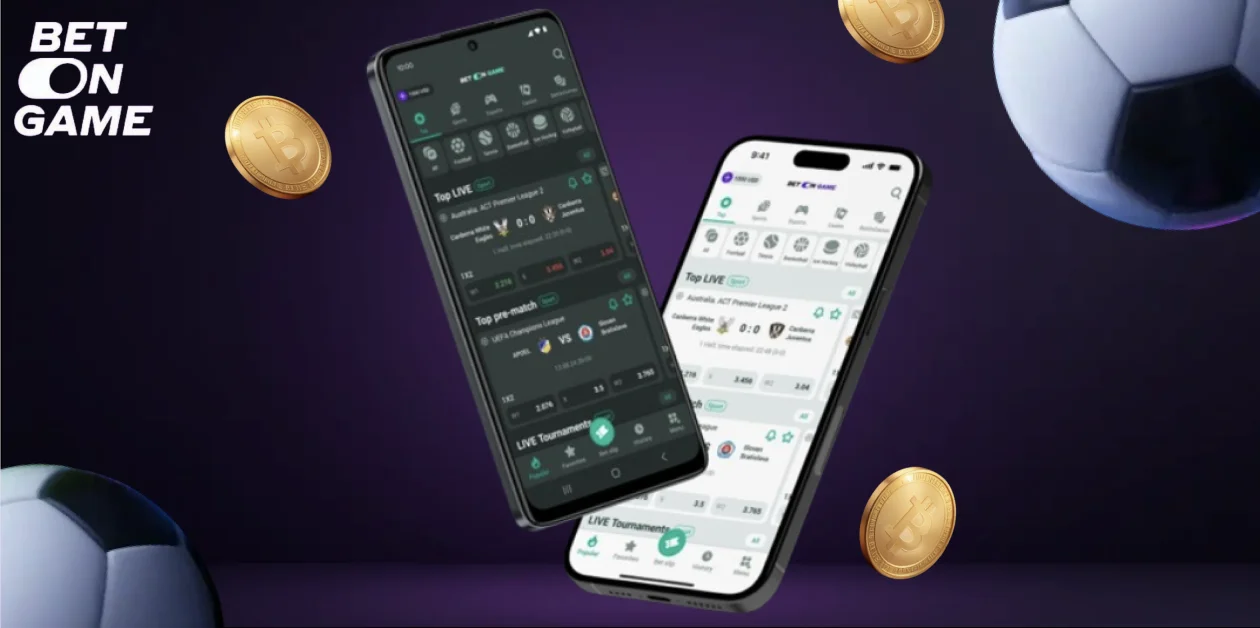
Read the current app offer terms
Check eligibility inside the current app before using a promotion.
A careful app installation workflow
Check the destination of an app download before granting permissions or entering account details. Payment-themed messages and urgent update prompts should not replace the source published on the checked website.
Keep the phone lock and operating system current. If a package is rejected by security checks, use official support or the available browser route instead of forcing installation.
- Verify the source address
- Scan the downloaded file when supported
- Remove obsolete installation packages
Control BDT activity from one place
Review BDT payment options inside the account rather than relying on a saved advertisement. Limits, identity checks and method availability can differ from what an older screenshot shows.
If a withdrawal needs additional verification, use the account interface to supply only the requested documents. Never send a password or a complete card number in an ordinary chat.
- Review profile details
- Enable available sign-in protection
- Check transaction status in account history
Move from Bangladesh fixtures to casino games quickly
Use the transaction history as the reference when moving between the app and a payment service. Keep the method, amount, currency and status visible long enough to compare the records.
Returning from a payment app may not immediately refresh the balance. Check the existing transaction before pressing any button that would submit a new payment.
- Use favourites for recurring leagues
- Recheck selections after a price change
- Close unused game sessions

Updates, privacy and connection checks
A useful payment report contains the transaction reference, amount, currency and the time the request was made. Describe whether the provider marked it complete or whether it is still pending.
Keep one support thread for the same issue when possible. Do not share remote control of the phone or approve unrelated requests from someone claiming to accelerate a refund.
- Install current releases
- Use official in-account support
- Never share passwords or one-time codes

Frequently asked questions
Where should the app be downloaded?
Use the current website or the store route it provides. Avoid installation files from messages, file shares or unrelated download pages.
Why might an Android installation be blocked?
The device may block packages outside its approved source or the file may be outdated. Verify the source and current system guidance before changing settings.
Do the website and app share an account?
They generally use the same account, but confirm this in the current product terms before entering credentials.
What should I send to support?
Send the time, screen name and reference number for the issue. Never send a password, one-time code or complete payment credentials.